

Link your form to a Zite database
1
Connect Zite Database
Open your form and click the 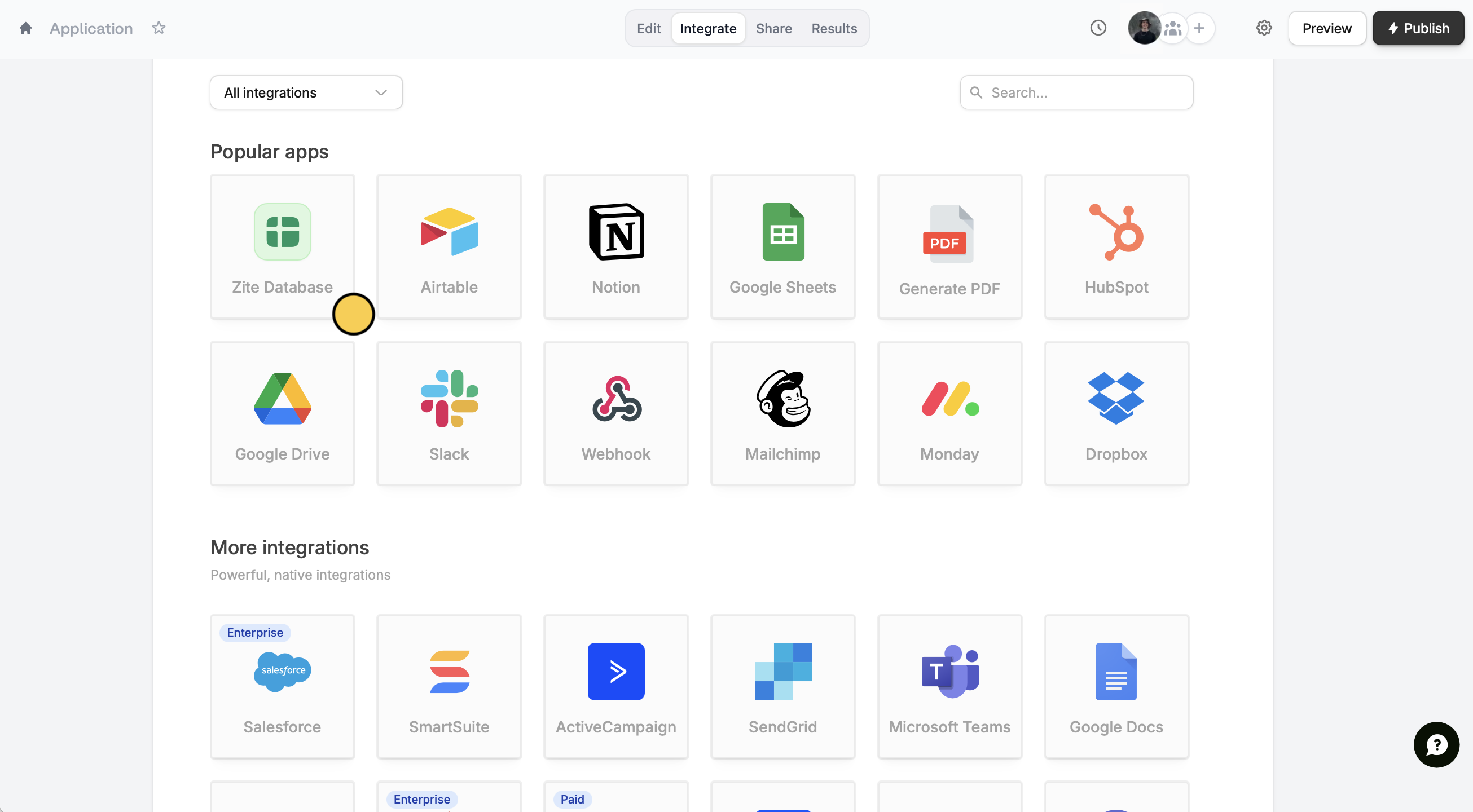
Integrate tab at the top. Select Zite Database from the list of integrations.2
Choose database option
Pick New database to create a fresh database for this form, or Existing database.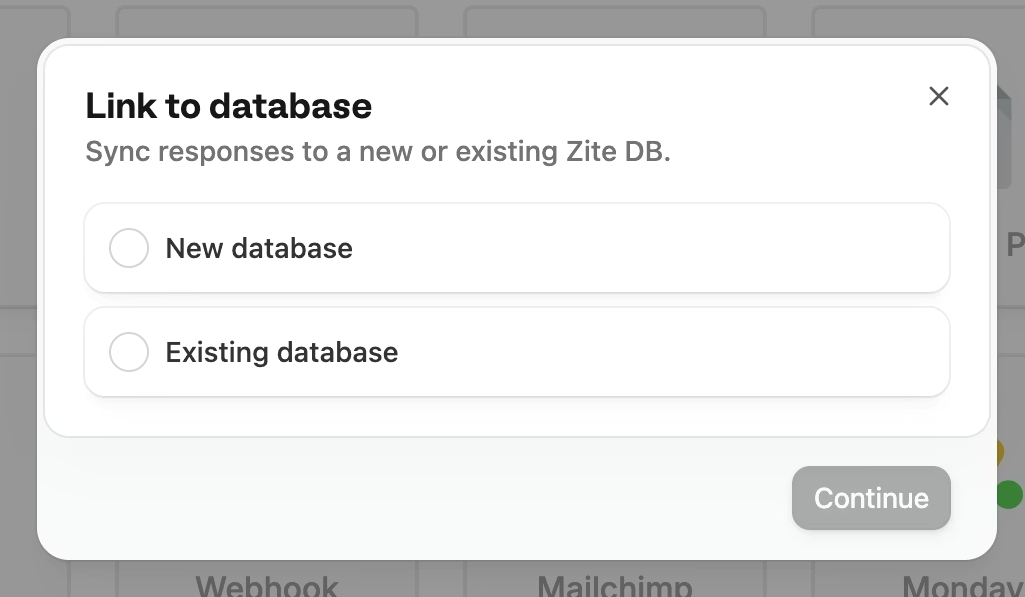
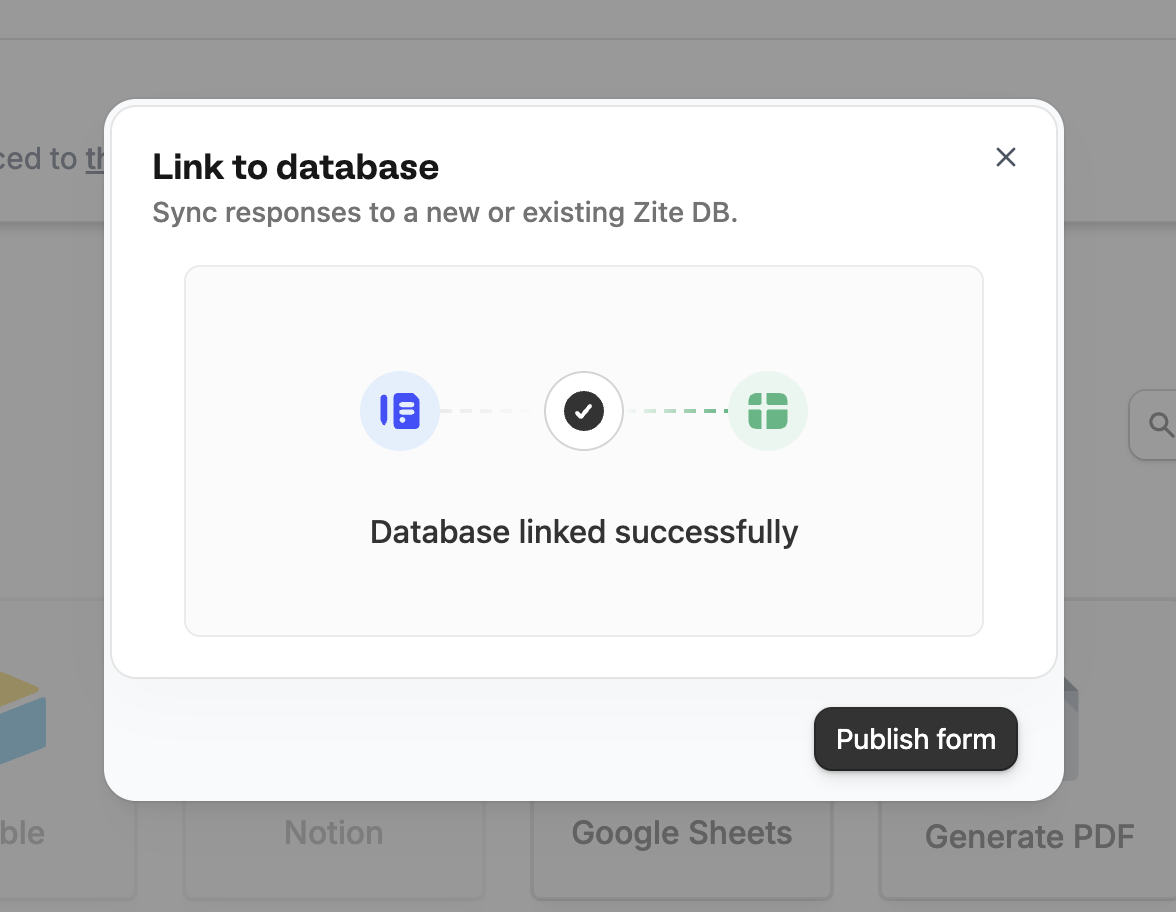
3
View your data
Your form is now linked to a database! You can view responses in two places:
- From your form: Click the Results tab at the top
-
From the database: Navigate to your database and click the
Formstab to see all linked forms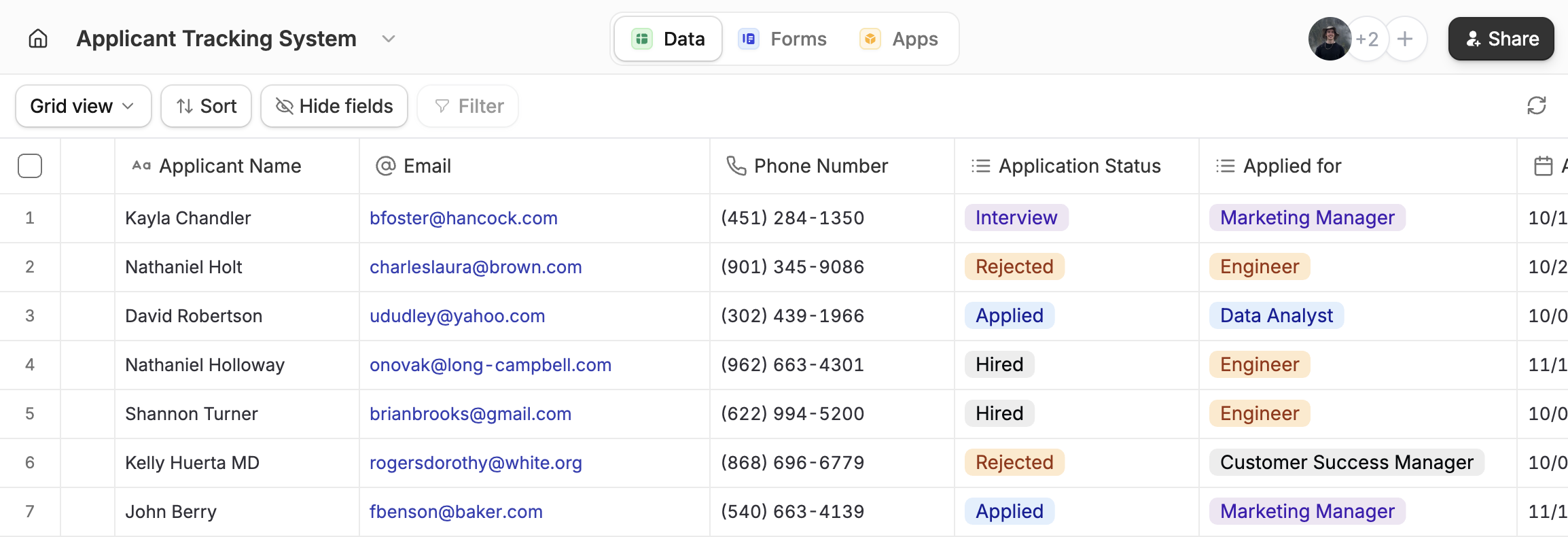
Create a form with your database
1
Go to Forms page
On the top of your database, click 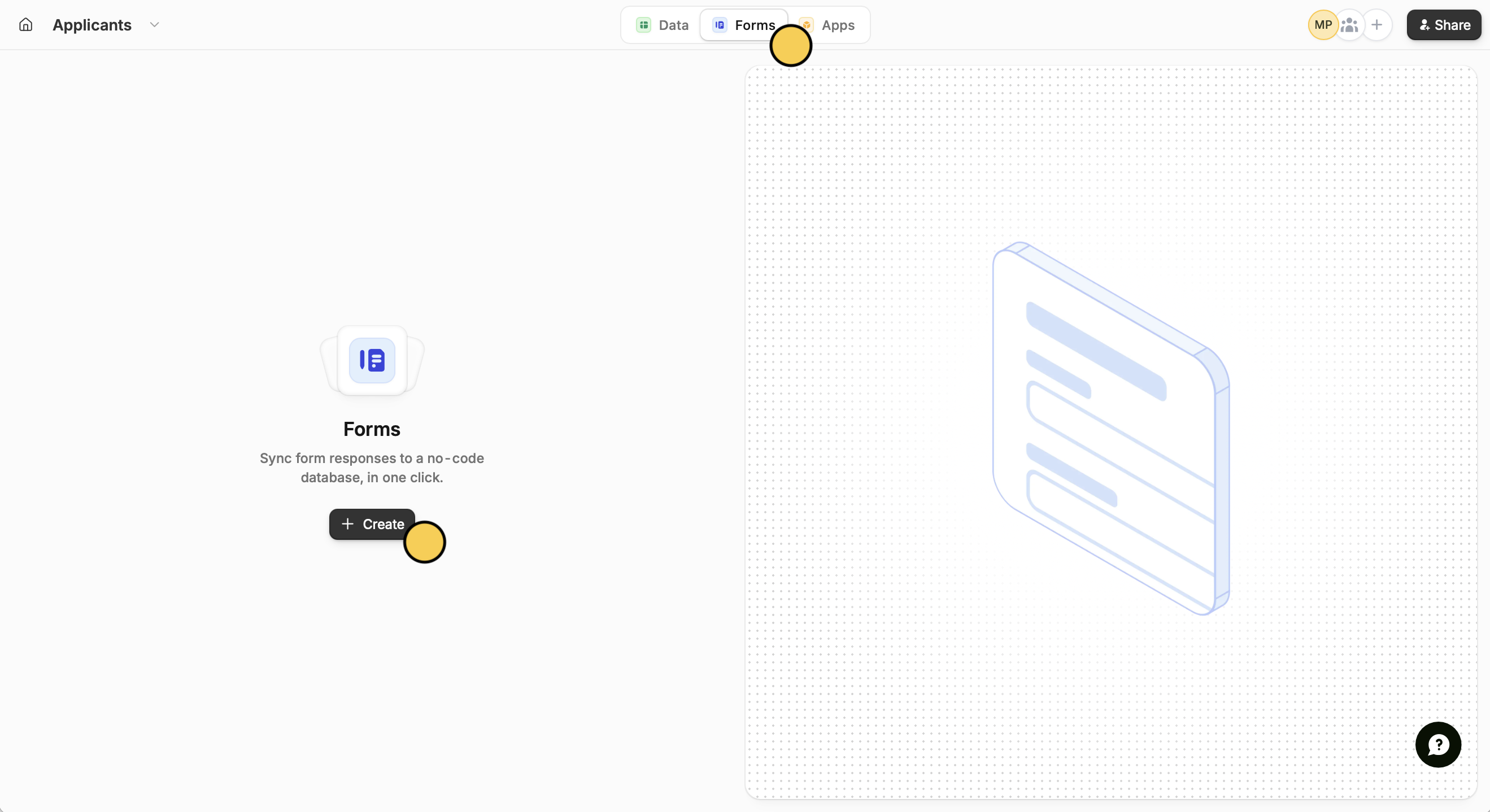
Forms followed by + Create.2
Make a new form
Choose to 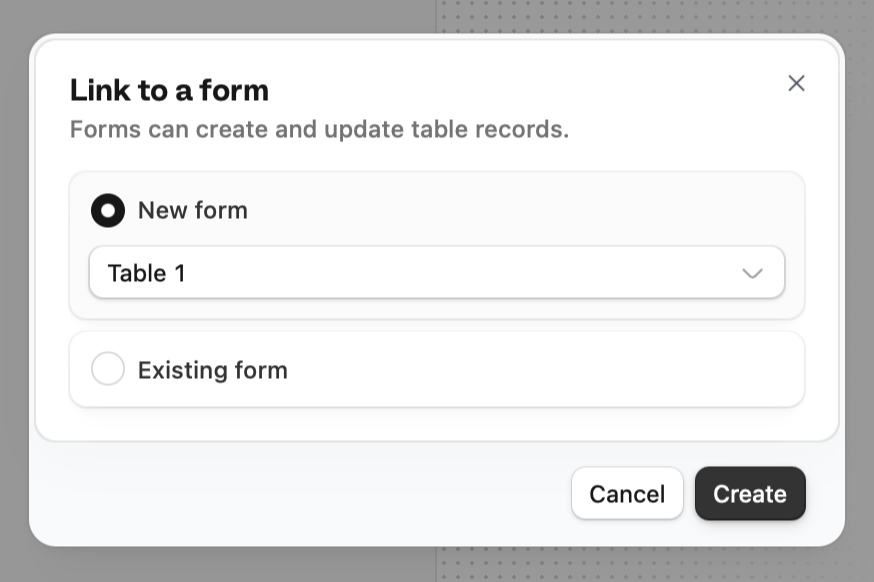
Create a new form.3
View form
Open form.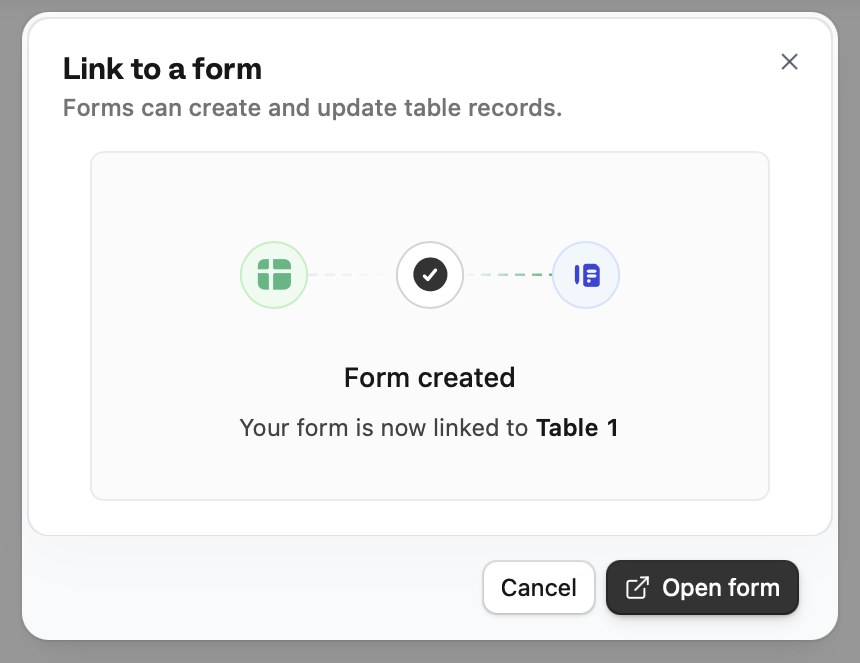
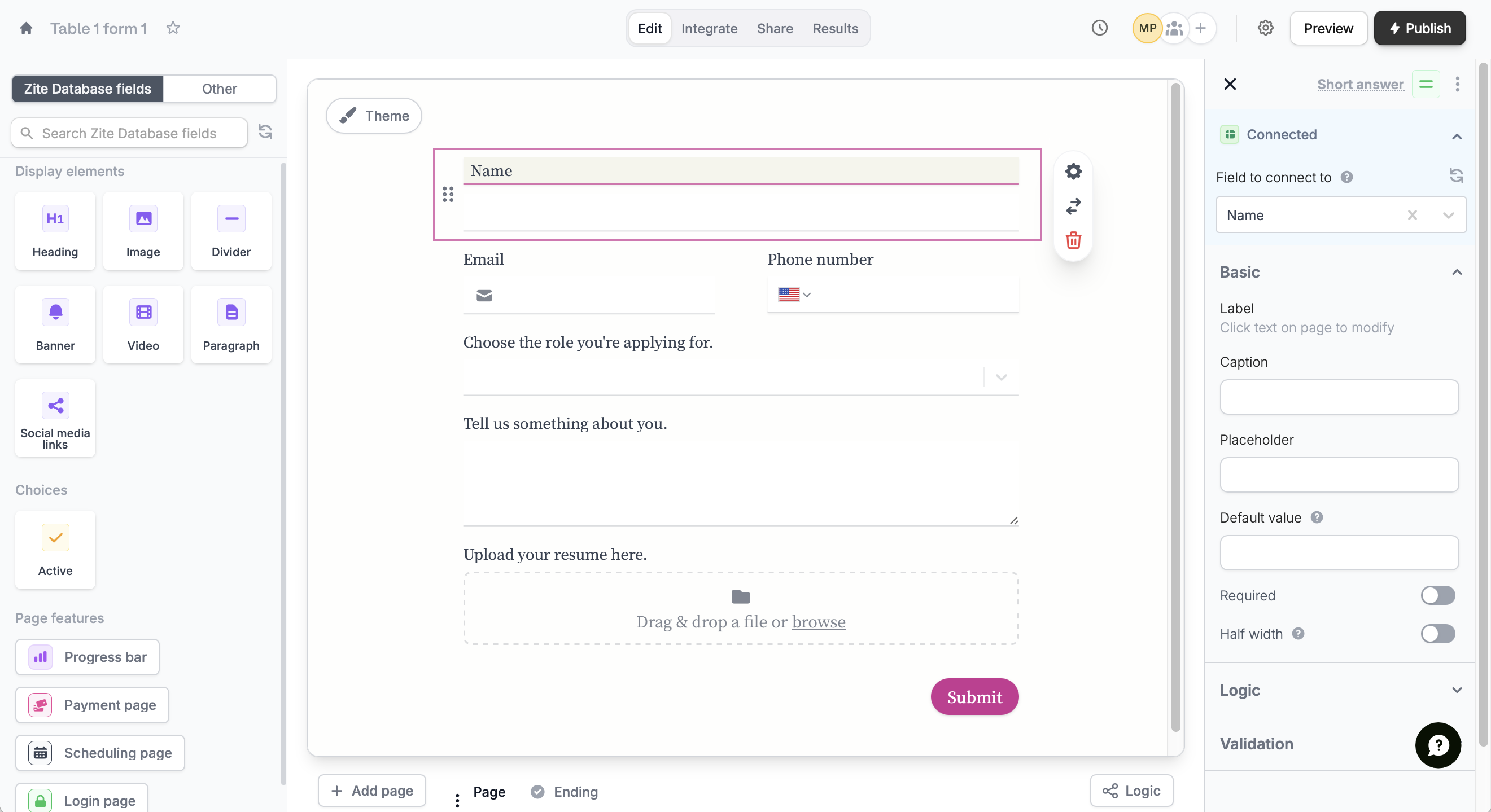
Integrate page where you can connect to your Zite database.Add new fields
From your form, click a Fillout field, and enter a label for the column that will appear in your Zite database.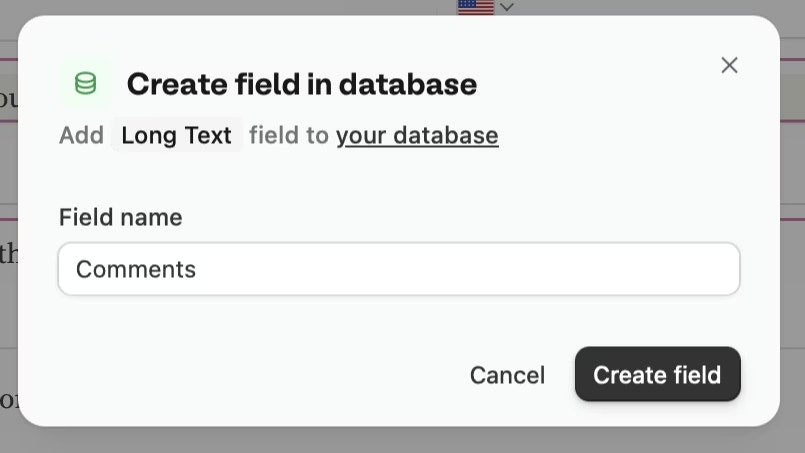

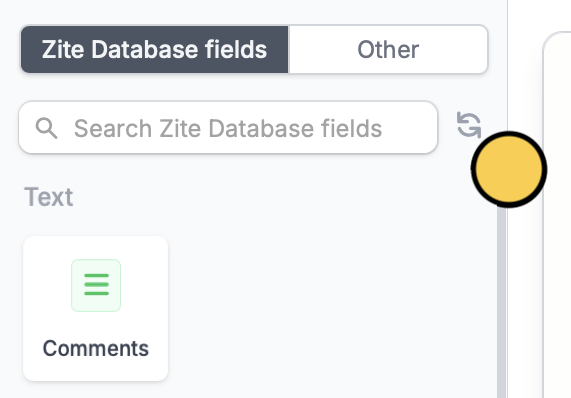
What happens next
Once linked, every form submission creates a new record in your database. You can:- View and edit responses directly in the database
- Add custom fields to store additional data
- Build apps on top of your form data
- Use the REST API to access your responses programmatically
Form responses sync instantly to your database. Any changes you make in the database won’t affect the original form submission.