

1
Use the Claude command-line tools to add Zite MCP
Run the following command with Claude’s command-line interface:
claude mcp add --transport http zite https://mcp.fillout.com/mcpThis should print out something like:Added HTTP MCP server zite with URL: https://mcp.fillout.com/mcp to local config2
Authorize the connection
Within Claude Code, enter 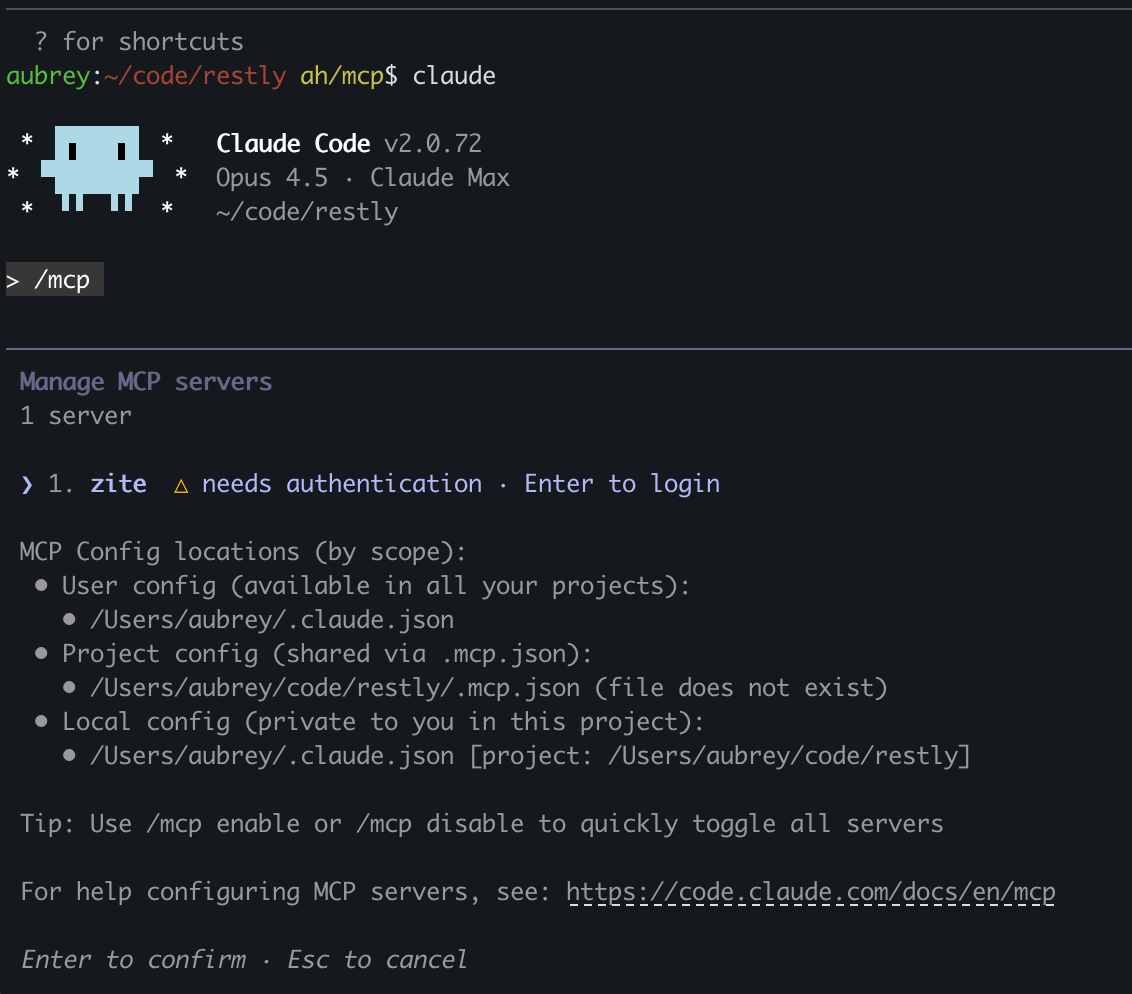
/mcp to bring up the MCP tools. You should see a view like this:3
Authorize the connection
Claude Code will send you over to Zite in your browser with this authorization screen: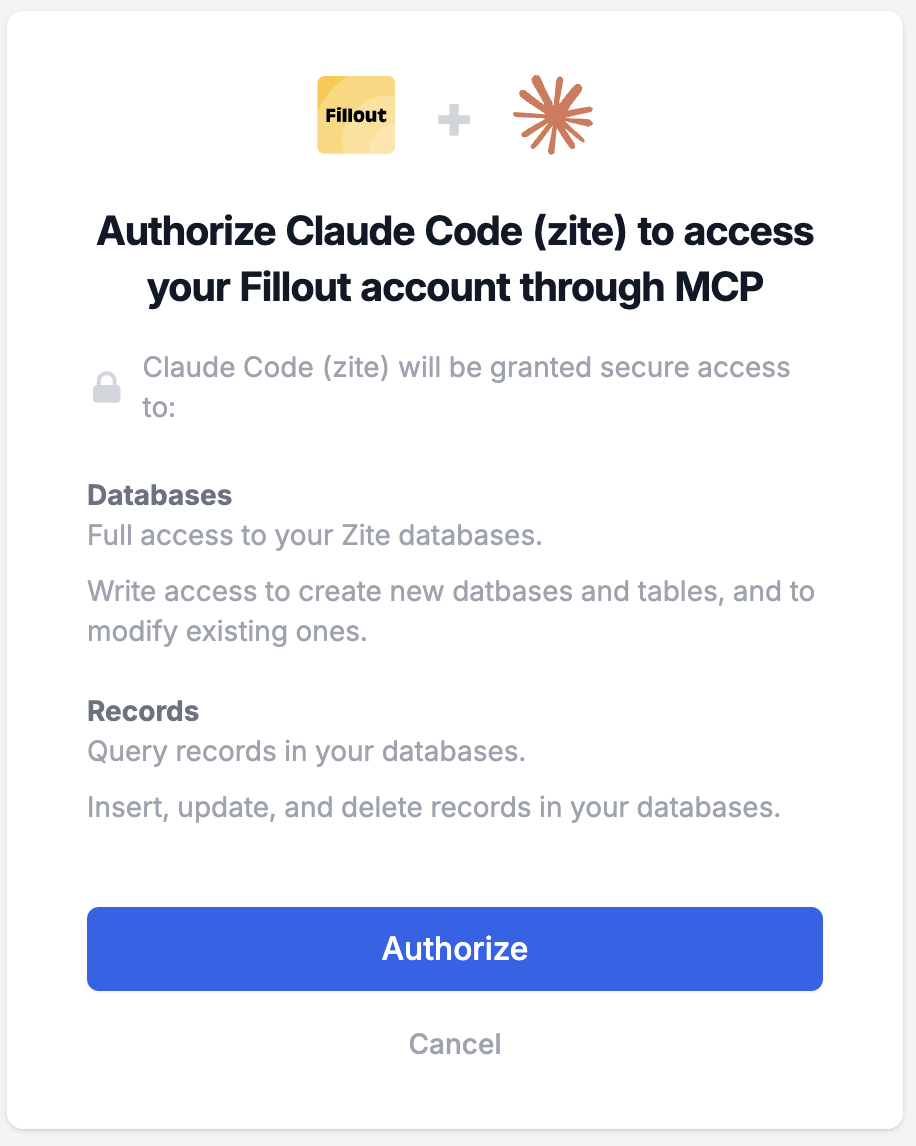
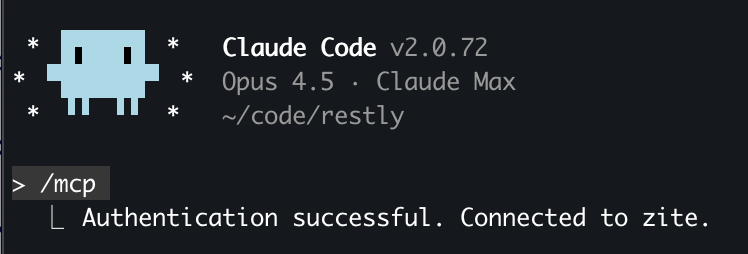
4
Start chatting
You’re all set. At this point you can head back to Claude Code’s chat interface and start accessing your Zite data.